Your year, tile by tile.
Watch your year of running replay one day at a time, then see your biggest month, your longest run, new personal bests, your runner type and the shoes that did the work. Every card shares as a story.
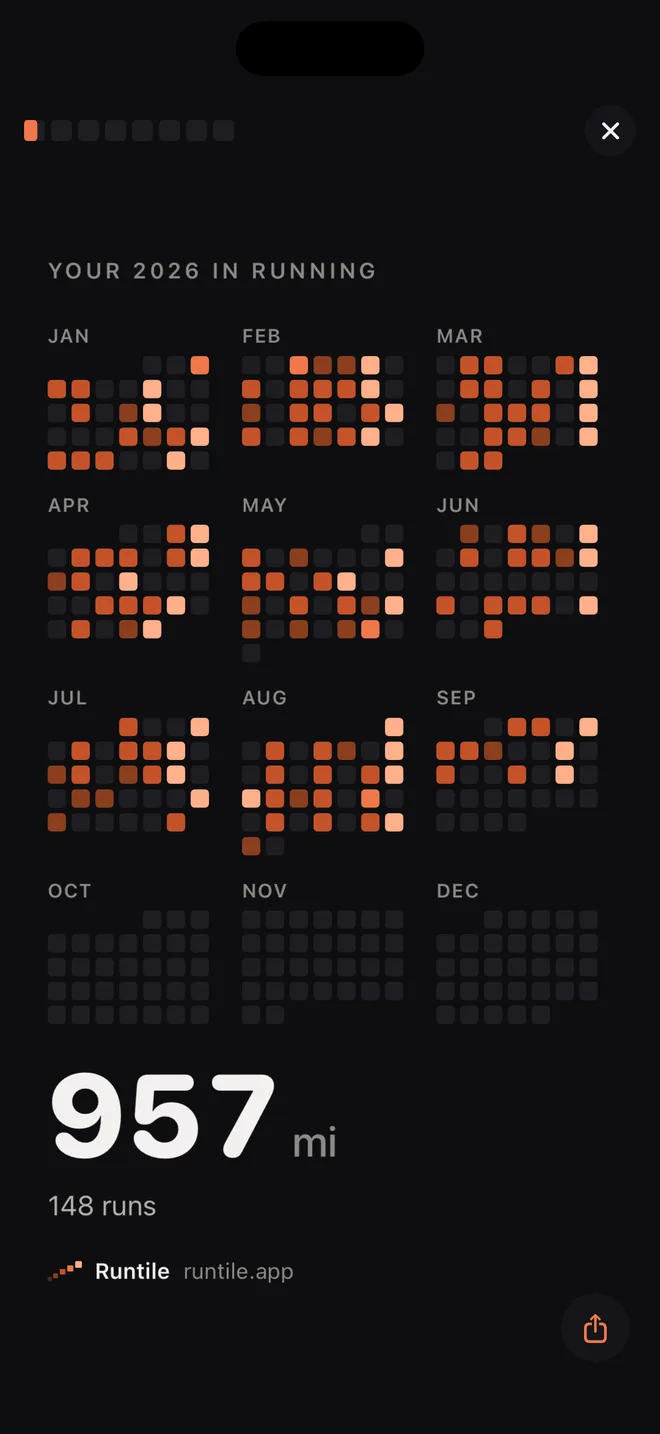
The whole year, replayed
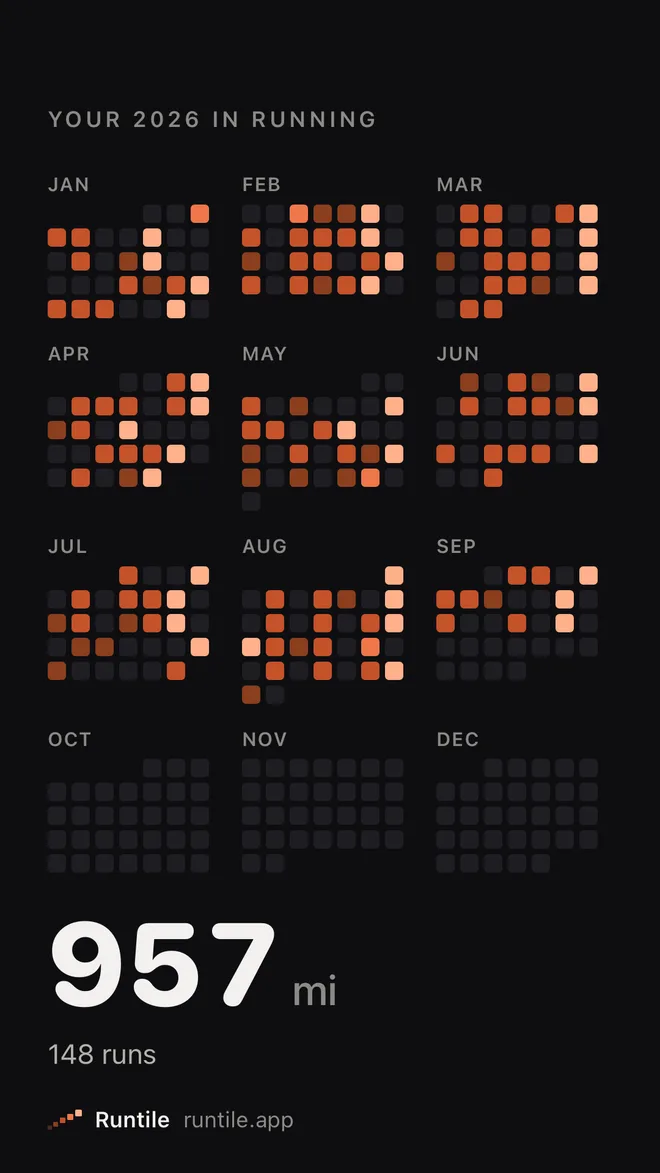
Year in Review starts with the year playing back a day at a time. Twelve small calendars fill in as the runs happen, the big days pop, and the distance counts up to the year's total. It takes about three seconds and it is the part people film.
Then it moves on by itself, one card at a time. Tap to skip ahead, tap the left side to go back, hold to pause, swipe down to close.
What the cards show
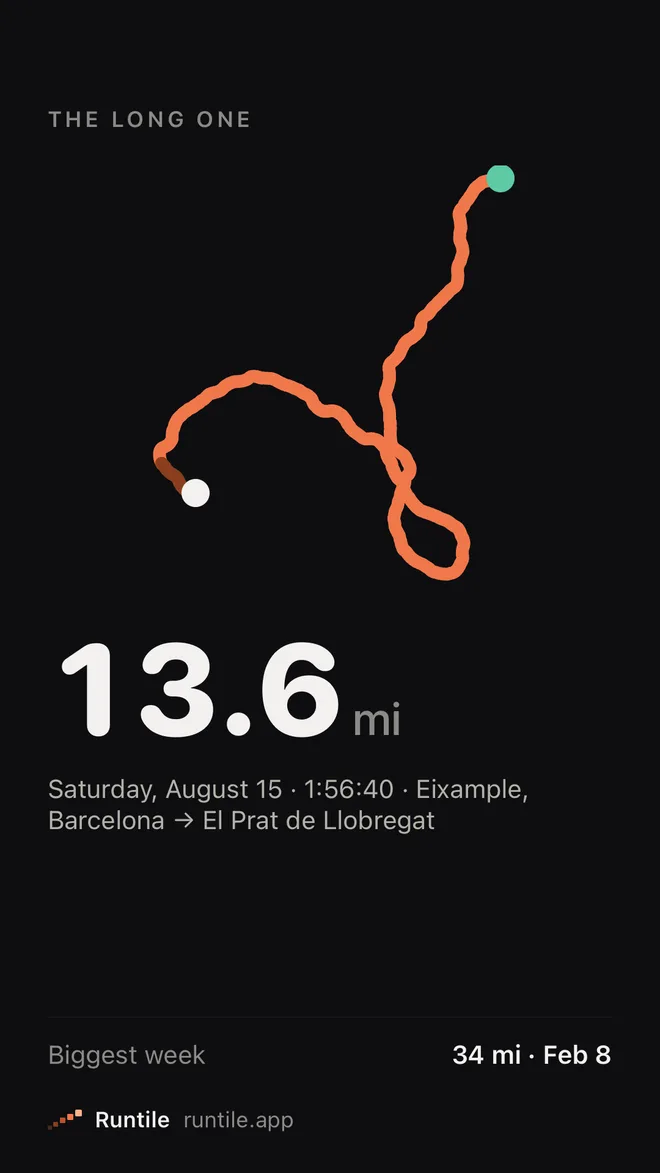
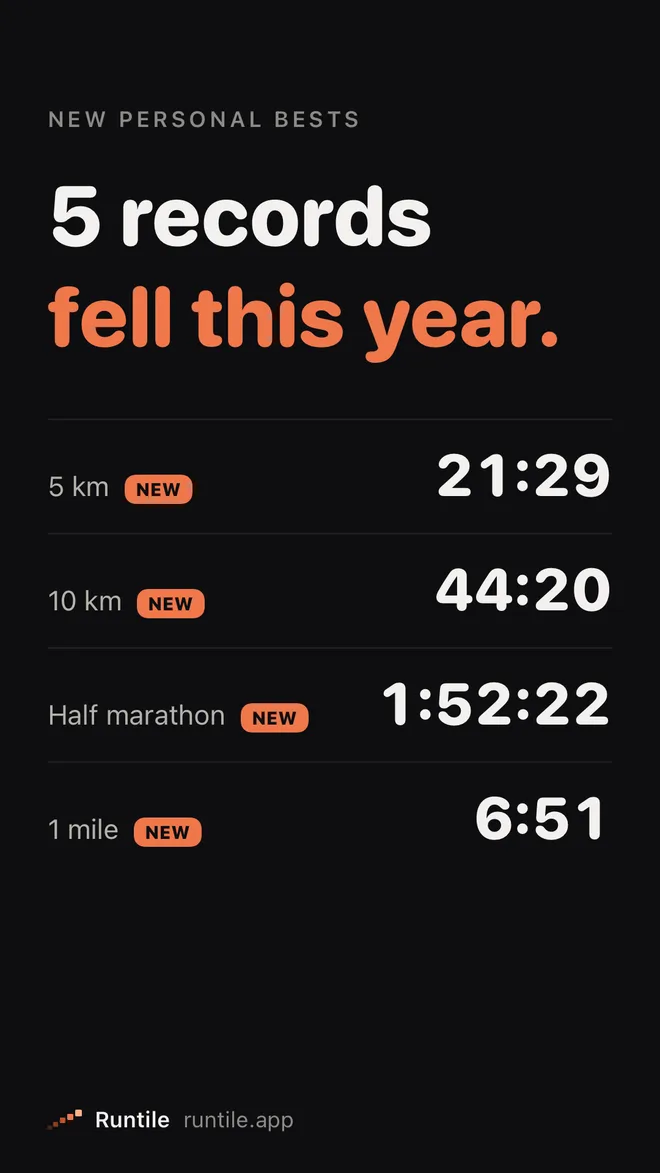
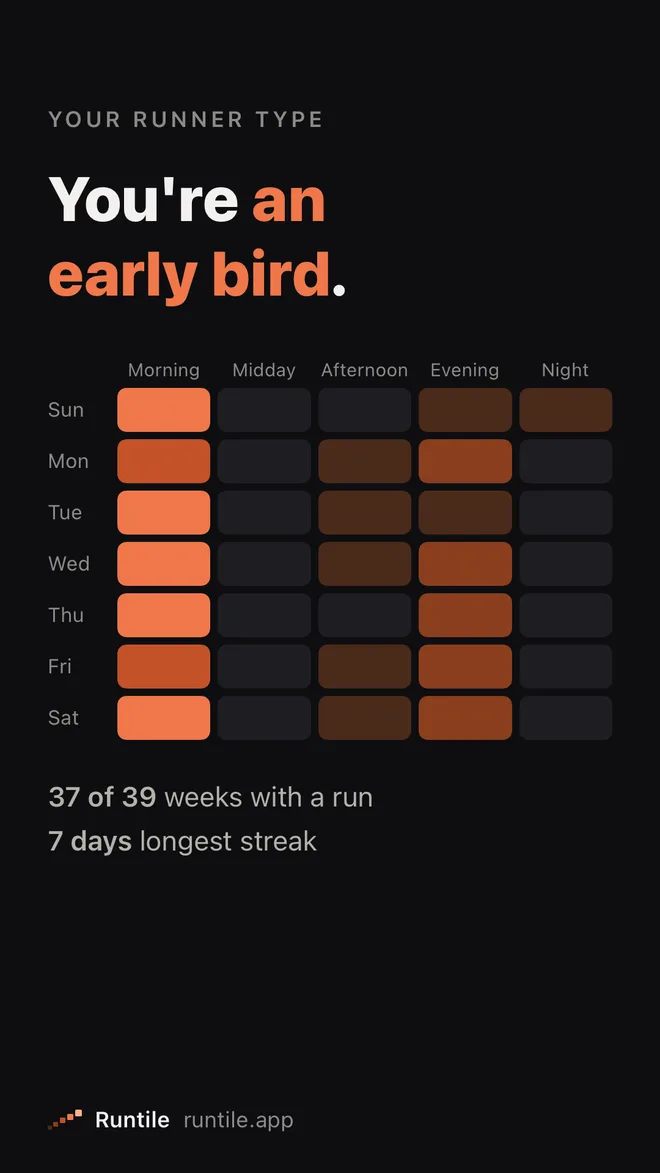
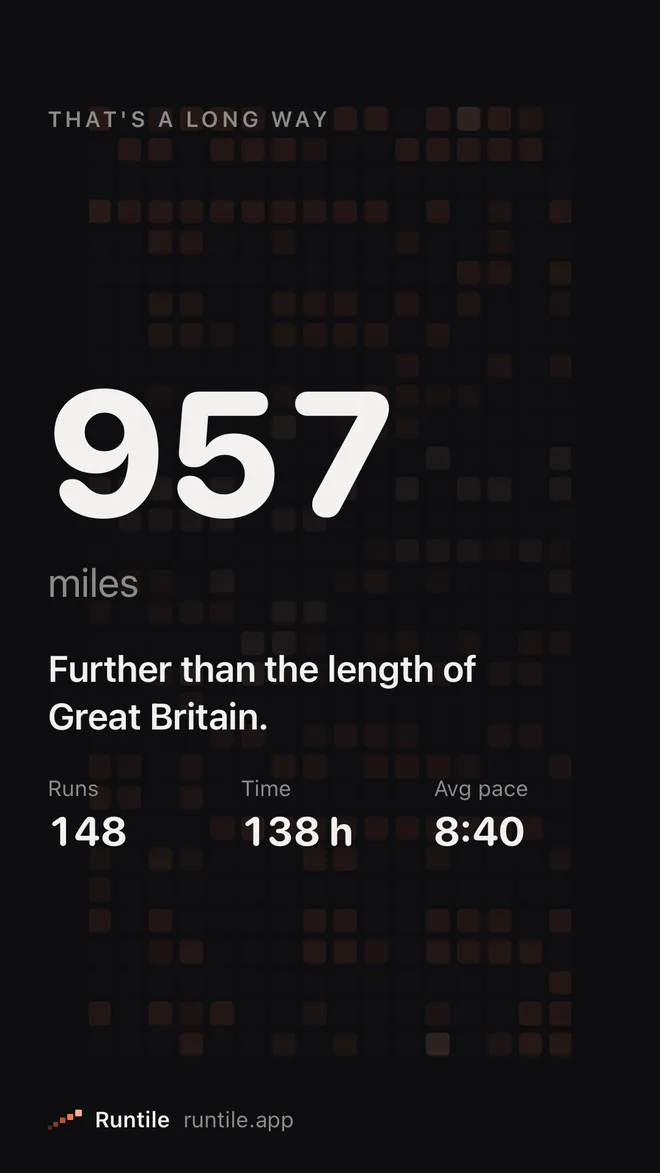
- In perspective. Your distance next to something you know: further than London to Paris, the length of Great Britain, the whole Tour de France. Plus runs, time, average pace and the change on last year.
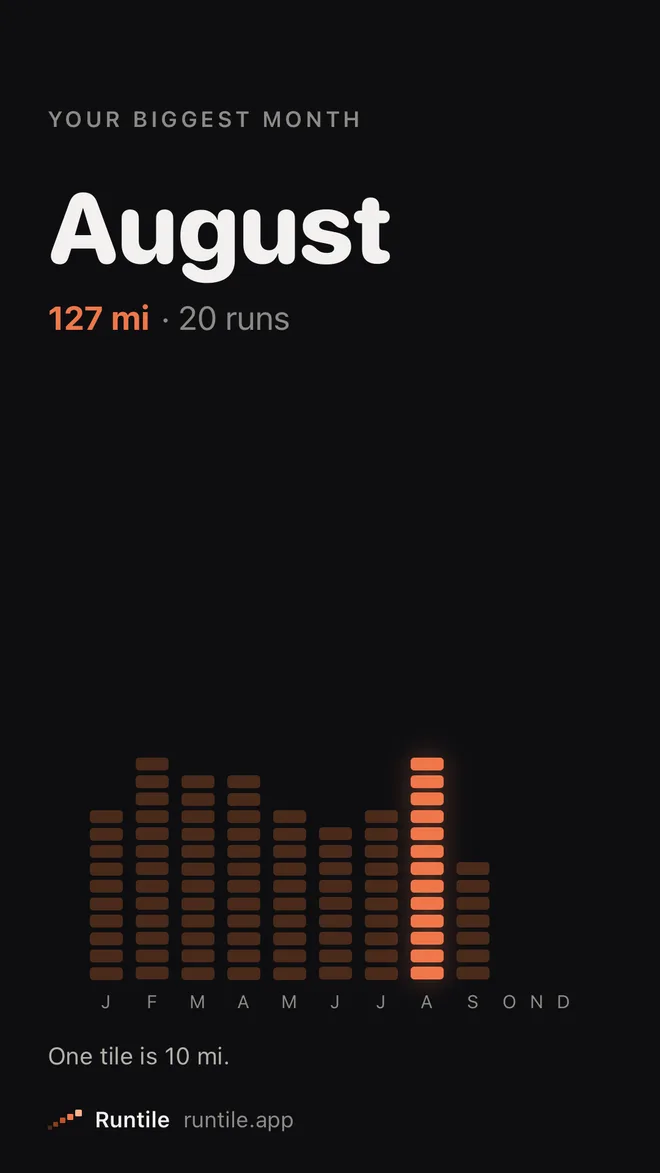
- Your biggest month, with its distance and runs.
- The long one. Your longest run, its route drawing itself in pace colours, with the date and where you ran.
- New personal bests. Every record distance you beat this year, from 1 km to the marathon, and the first time you ran one.
- Your runner type. Early bird, lunch-break runner, night owl, weekend warrior, or a Sunday-morning runner if one slot stands out. Next to it: the weeks you ran and your longest streak.
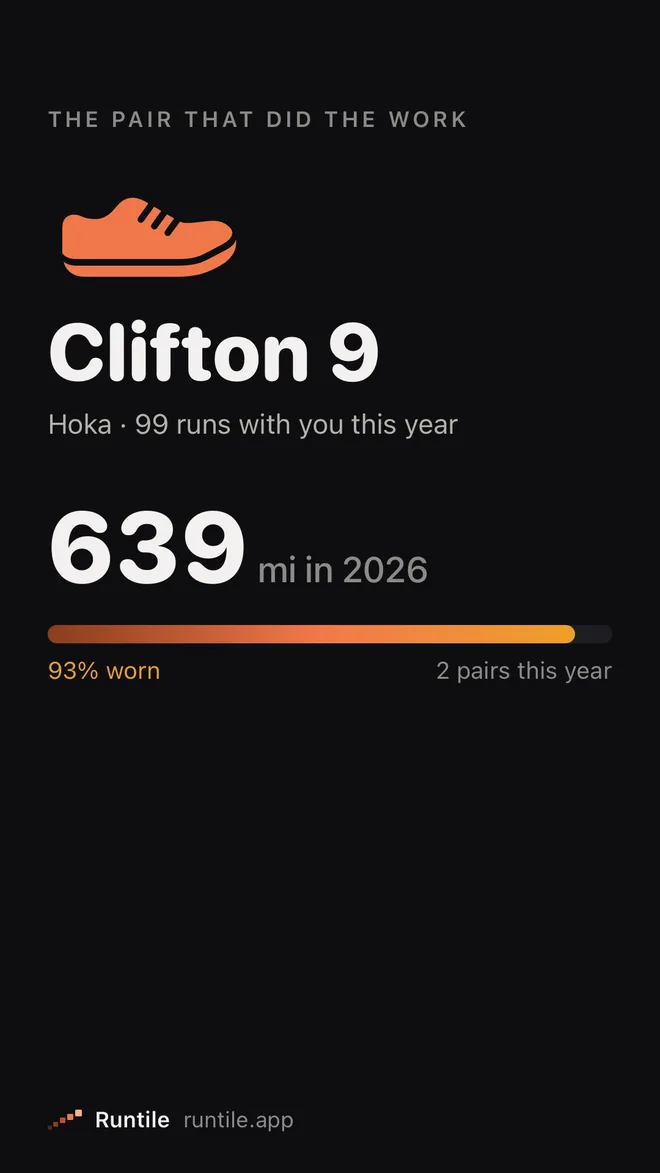
- Your shoes. The pair that did the most work this year, how far they went and how worn they are.
The poster
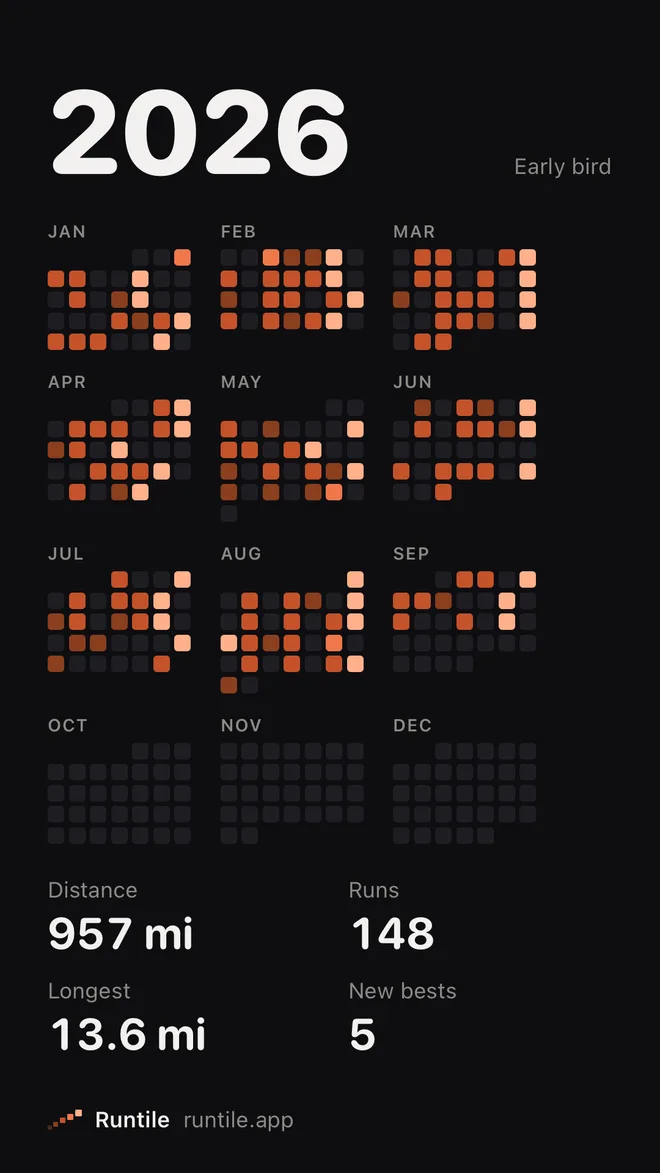
The last card puts the year on one poster: every day as a tile, your distance, runs, longest run and new bests, and your runner type. Share it as a story, or as a 4:5 card for a feed.
Every card carries a small Runtile mark, so friends who ask where it came from know.
Private, like the rest of Runtile
The cards are made on your iPhone from the runs in Apple Health. There is no account and nothing is uploaded, so Year in Review works the same in airplane mode. It is in all 21 of Runtile's languages.
Questions
Is Year in Review free?
Yes, for the current year, every card included. Last year's stays free through January, so a recap of the year that just ended is free too. Runtile Pro opens the years before that.
When can I watch it?
Any time, from the Year in Review row on the Heatmap tab. During the year it replays up to today. From 1 December to 31 January it is also on the Summary screen.
Where does the data come from?
From the runs in Apple Health, the same ones Runtile already shows. Nothing is uploaded: the cards are made on your iPhone.
Can I share it?
Yes. Every card has a share button and goes out as a 9:16 story image. The last card, the poster, can also be shared as a 4:5 card for feeds.
Related guides
- Apple Health2 min read
How to see your total running distance on iPhone
Three ways to find how far you have run this month or year on iPhone: the Fitness app, the Health app and a reader app that adds your runs up for you. Plus why the Health number is too big.
- Training2 min read
Reading a pace heatmap: fast days, easy days and the 80/20 rule
A year of runs as coloured tiles tells you more than any list. How to read the colours, what a healthy pattern looks like, and why most of your tiles should be dark.
Start with your last year of runs.
Runtile reads what is already in Health. Your history appears in seconds, no account needed.